WBR dashboard
Weekly Business Review of sales, operations and targets, without manually consolidating spreadsheets.
Anonymized case · internal system
- Role
- Growth · Builder
- Stack
- Google Apps Script · Sheets · Power BI
The problem
Every week the team had to consolidate sales, operations and targets from scattered spreadsheets for the committee, with definitions and reporting periods that were hard to compare.
The system
I automated consolidation: the dashboard pulls source data, computes KPIs and builds a weekly review focused on variances against targets. The team can review the same basis without rebuilding spreadsheets by hand.
From scattered data to a shared review.
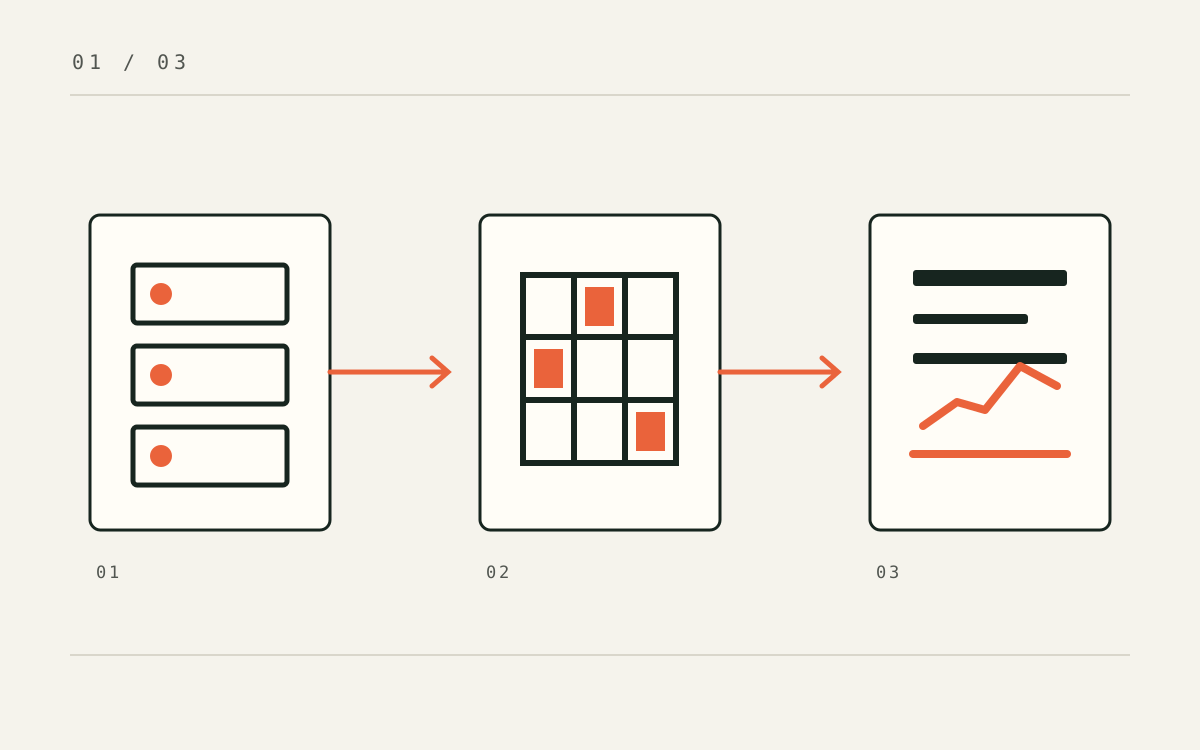
The WBR brings sales, operations and targets together so the committee can review the same indicators and their variances each week.
- 01
Sources
Sales, operations and target data lived in separate spreadsheets. That fragmentation slowed down weekly preparation.
- 02
Consolidation
The automation brings the sources together and calculates KPIs. Power BI shows results and variance against target in one view.
- 03
Review
The committee starts with current figures and can focus on variances and decisions instead of copying numbers between sheets.
If you are building oneDesign lesson: before automating a WBR, agree on each KPI definition and when its source is updated. The dashboard is only as useful as those definitions.
What changed
The work had to be felt in the operation.
- 01
Automated weekly consolidation
- 02
KPIs and variances in one view
- 03
Shared basis for committee review
Do you have a similar operating challenge?